 GridPaw
 Shikaku
 Akari
 Kakuro
 Nonogram
 Nurikabe
 Pictomino
 KenKen
 Binary
 Star Battle
 Hashi
 Slitherlink
 Murder Sudoku
 Meowdoku
 Crazy Cleanup
Rooms & Exits Chapter 2 Level 2 Walkthrough: Cinemas
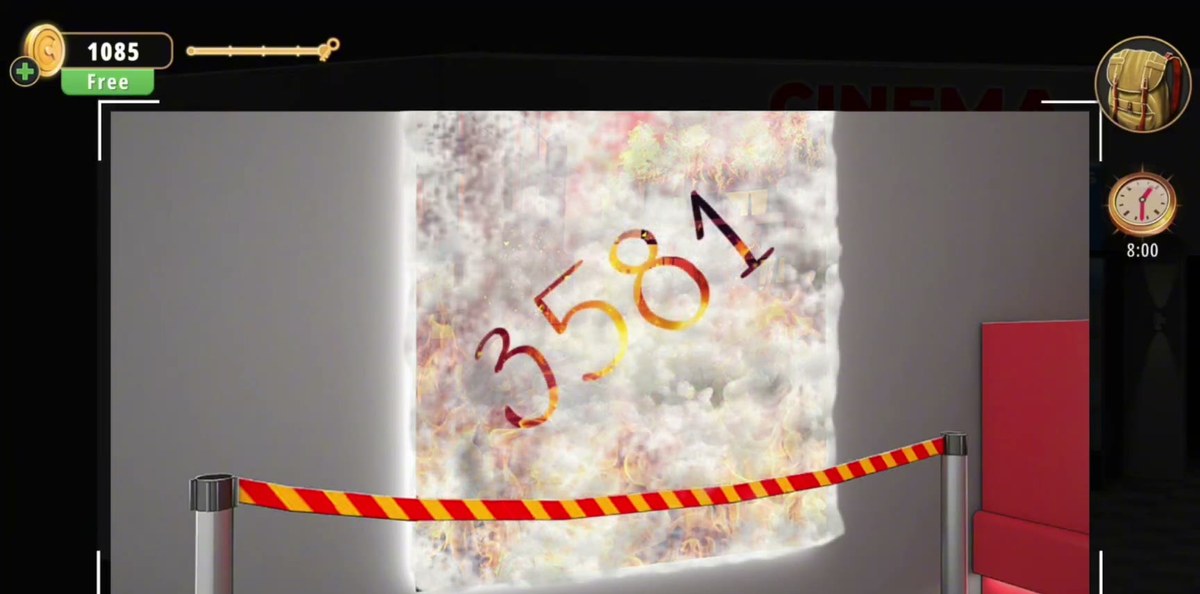
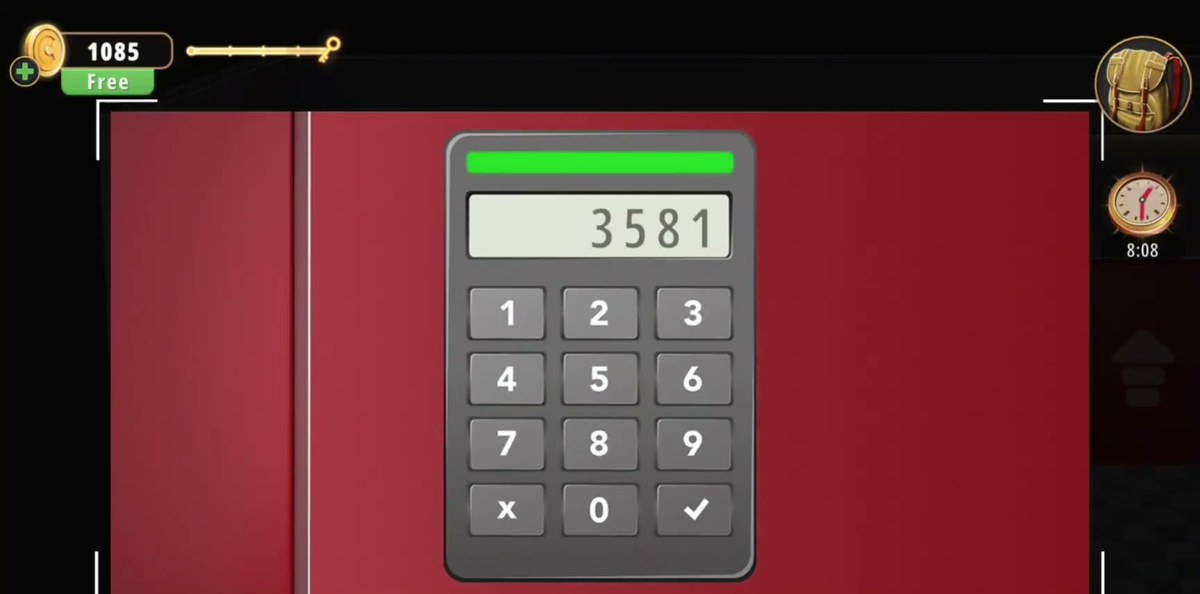
The only four-digit code in Cinemas is 3581, and it is not visible when you first walk in. It appears on the BURNING CITY poster in the lobby after you put the fire on that poster out. Type it into the keypad on the red exit door and the level ends at +50 coins.
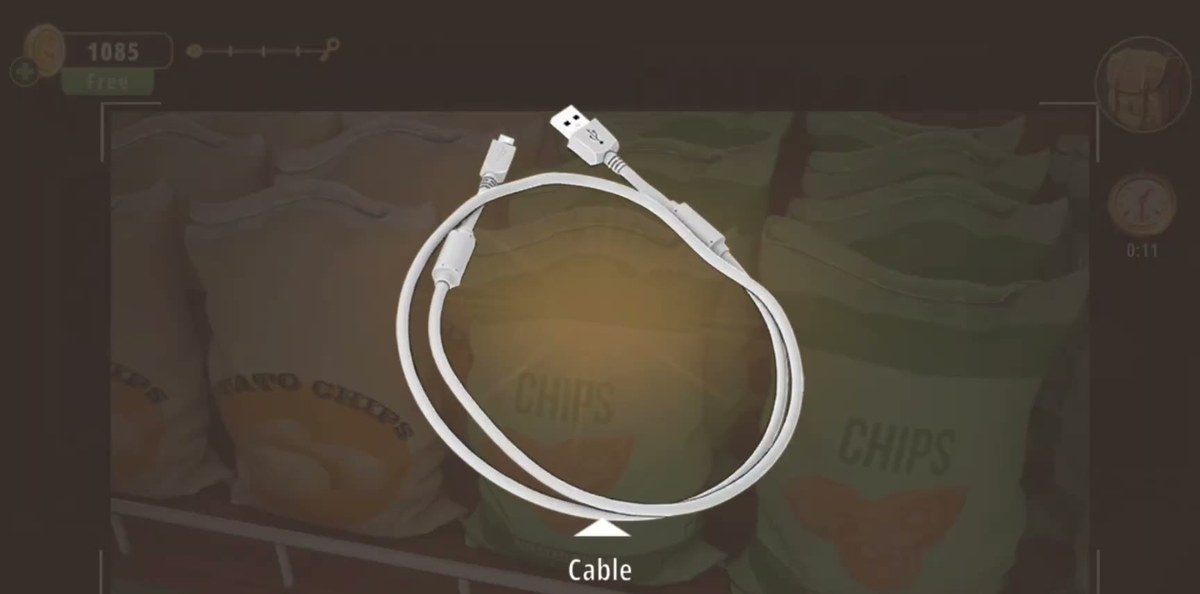
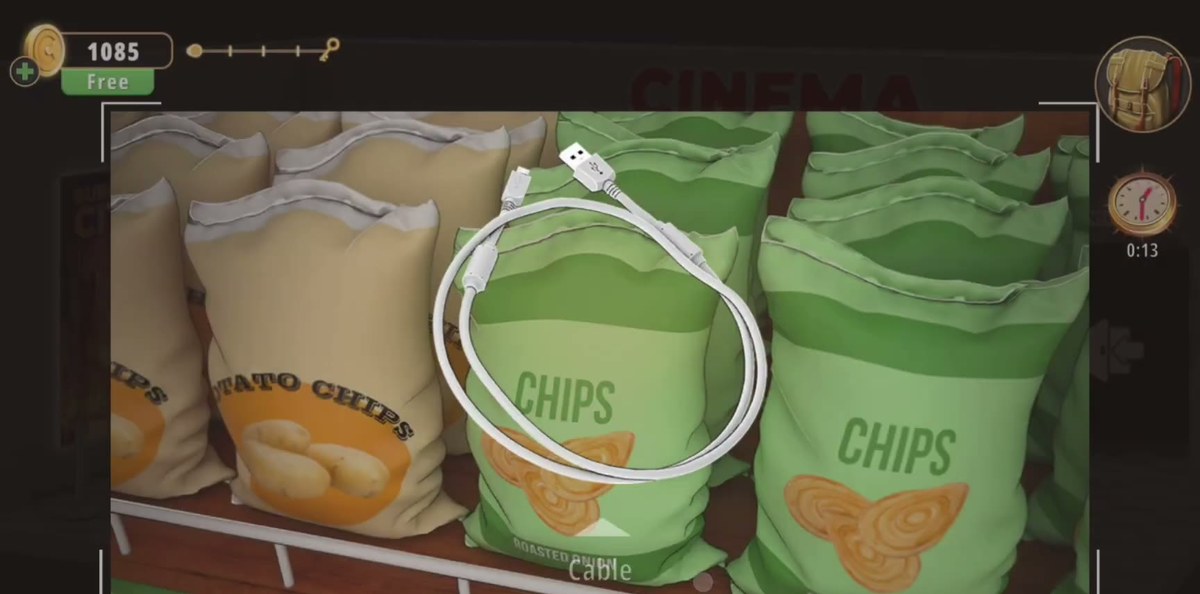
- Lobby, snack shelf above counter 1: take the cable out of the crisp bags.
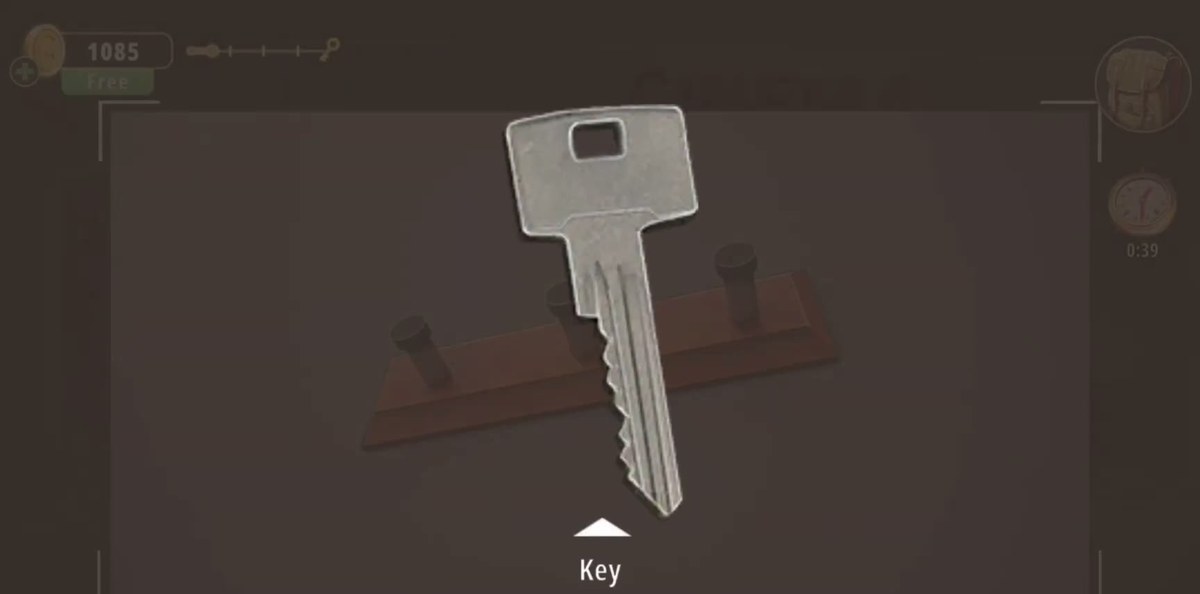
- Lobby wall, wooden rack: use the selfie stick to knock the key off the middle peg.
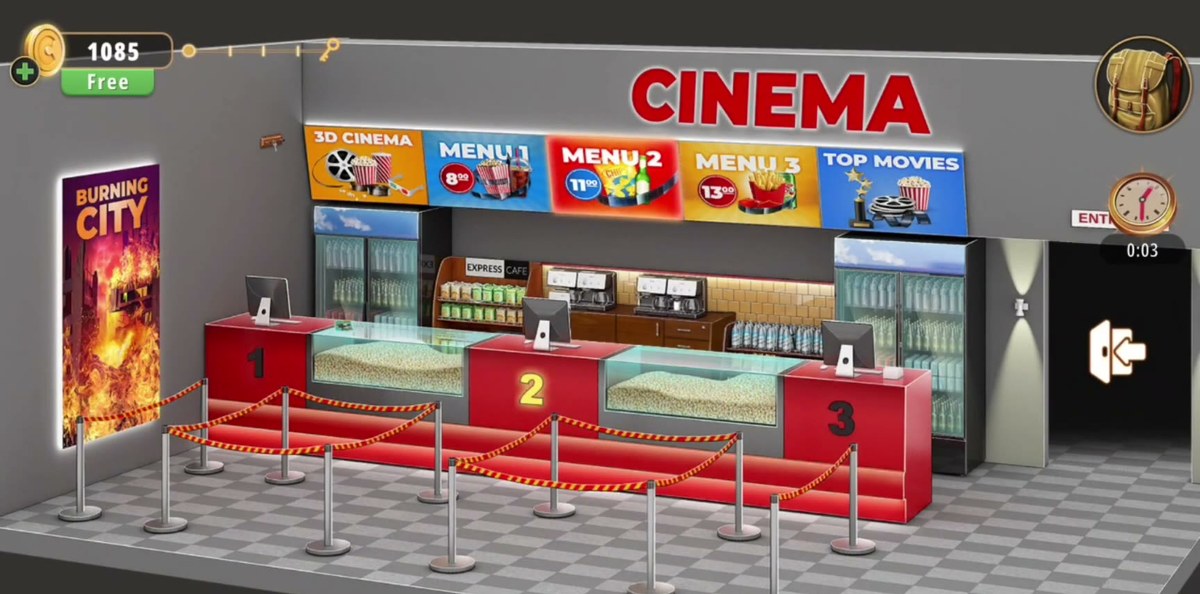
- Price boards over the counters read MENU 1 = 8, MENU 2 = 11, MENU 3 = 13.
- Terminal under MENU 1: type 8+11+13 and press =.
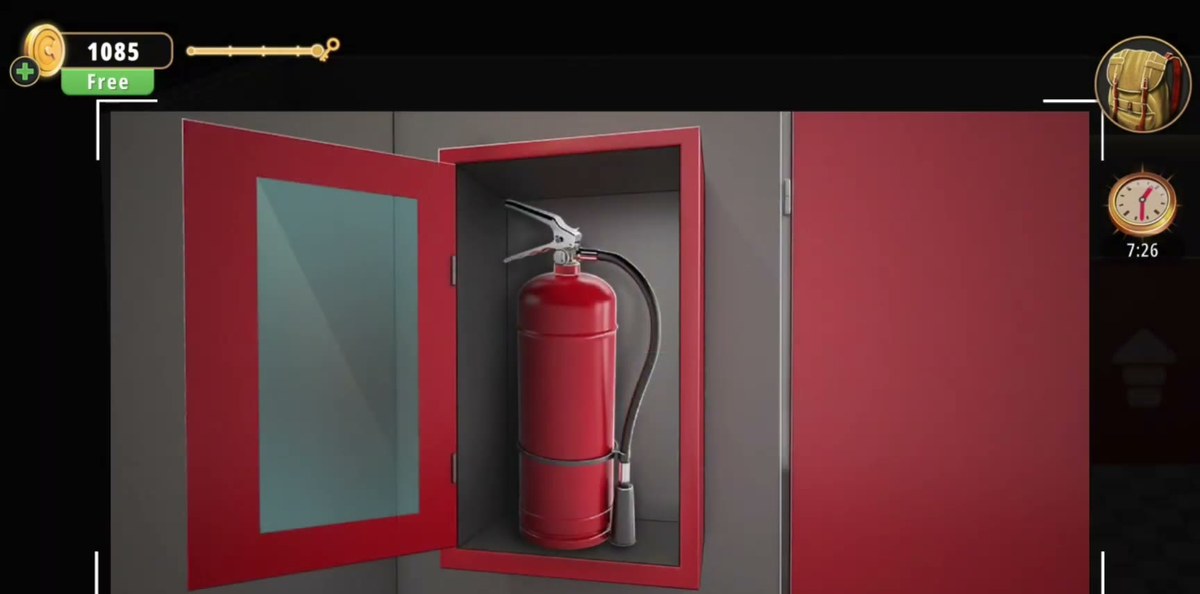
- Hallway, red wall cabinet with a glass front: take the fire extinguisher.
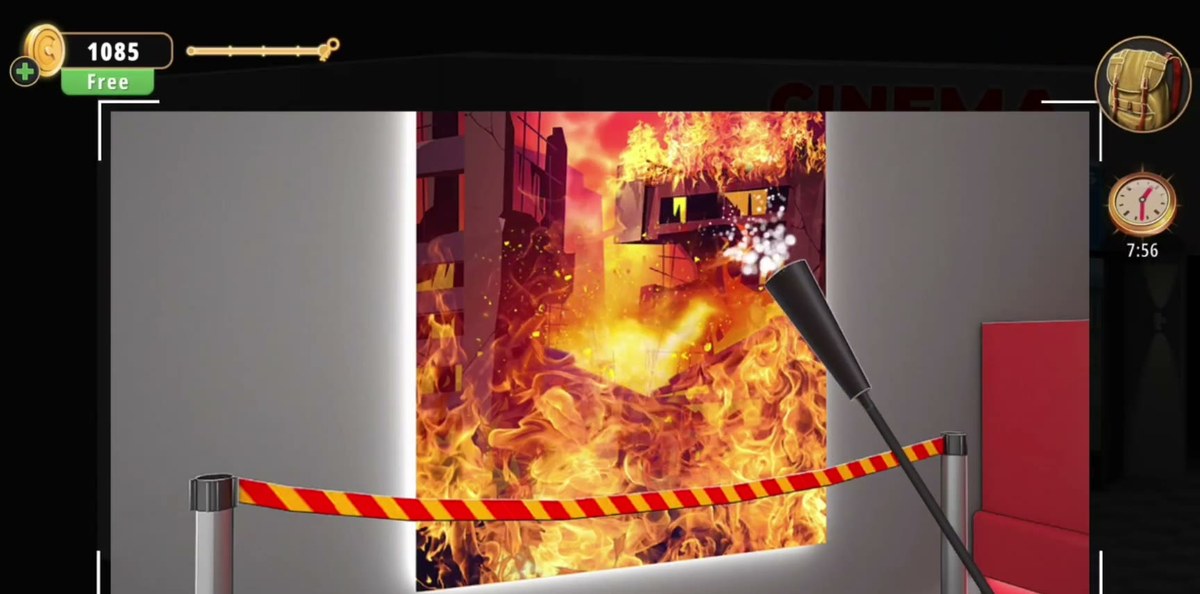
- Use it on the BURNING CITY poster → 3581 → exit-door keypad → +50 coins.

What Cinemas actually is.
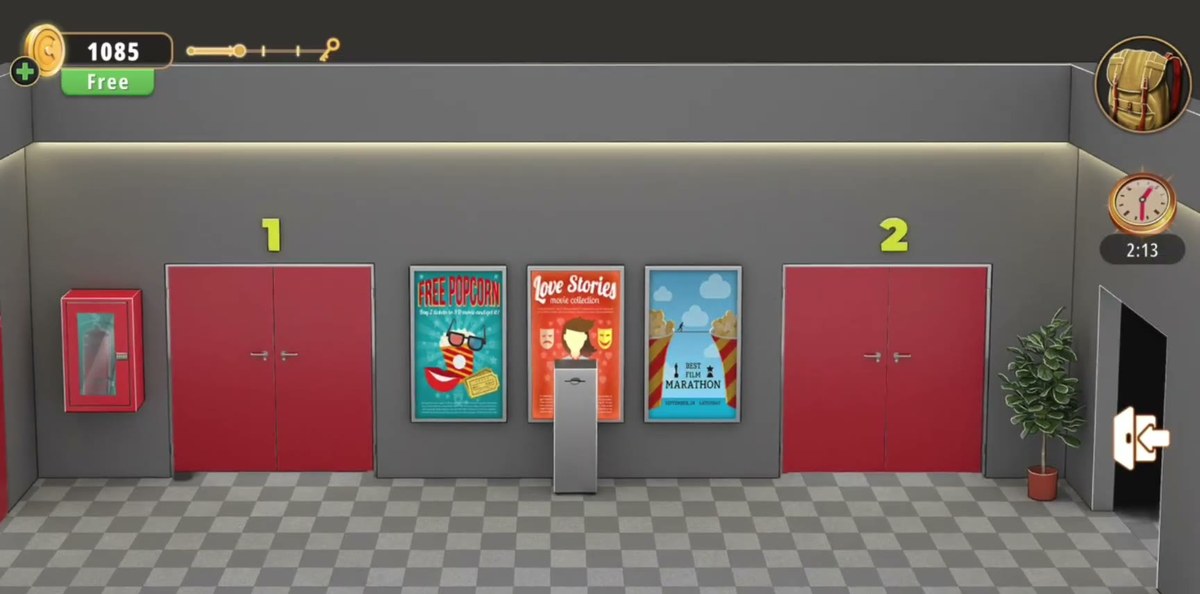
Cinemas is the second level of Chapter 2, "No Honor Among Thieves", and it is a building rather than a room. You get a lobby with a concession counter split into three numbered stations, a snack wall behind it, a queue of red ropes on a black-and-white tiled floor, and a big BURNING CITY poster hanging on the left-hand wall. Off to the right is the entrance to the screens, and behind that a hallway with the EXIT doors, three film posters, a narrow ticket kiosk and a red wall cabinet.
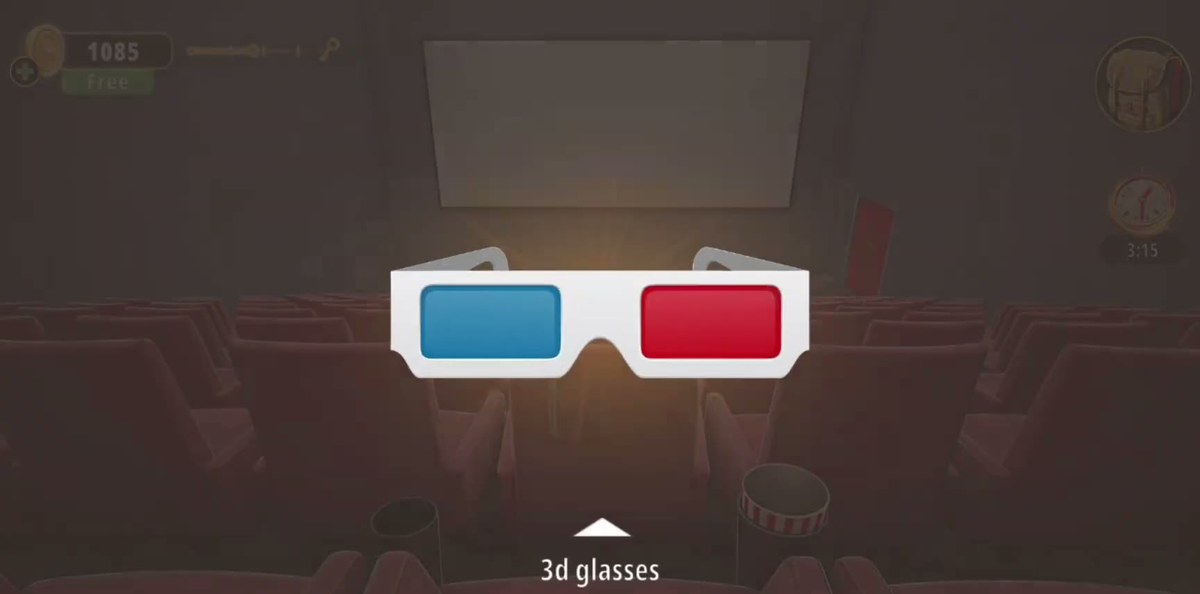
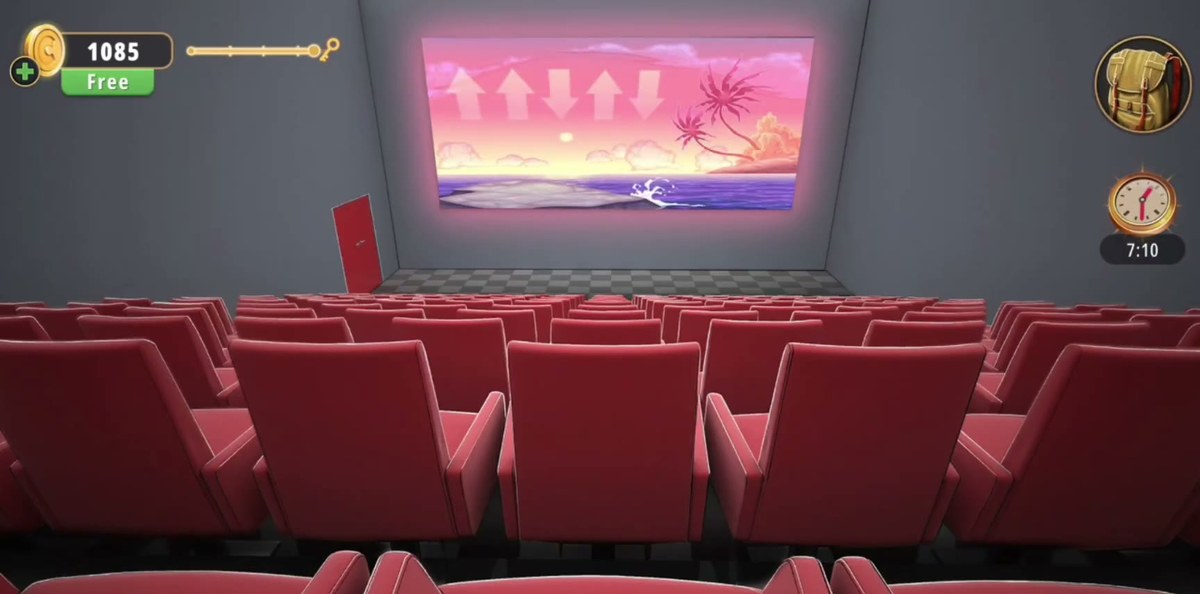
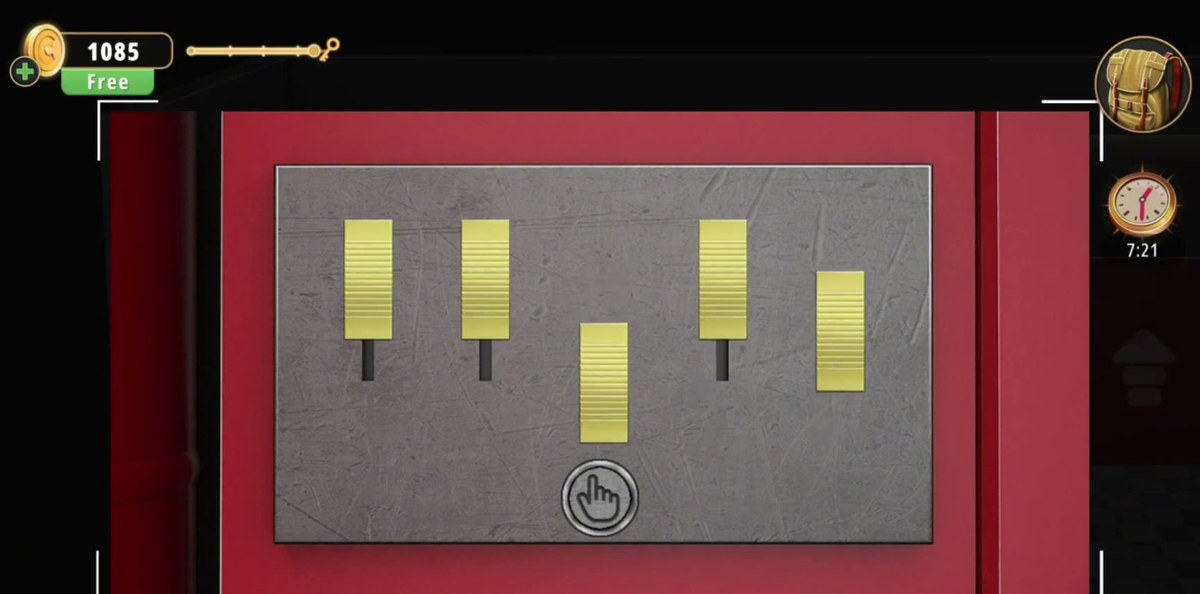
The screens themselves are ordinary cinemas: rows of red seats, a blank white screen, a red exit door in the corner. One of them has 3D glasses lying on the seats. The other is where the projection shows you a strip of arrows.
What makes this level awkward is the order. There is only one number puzzle in the whole thing — the four digits on the burnt poster — but the poster is on fire when you arrive, so the code does not exist yet. The thing that puts the fire out is a fire extinguisher in a wall cabinet in a different room, and nothing in the lobby points you at it. Meanwhile the lobby itself hands you three separate price boards, a calculator terminal, a seat chart and two other key screens, and none of them announces what it is for. That is why the level feels much longer than it is: most of the time goes on working out which screen is a puzzle and which is scenery.
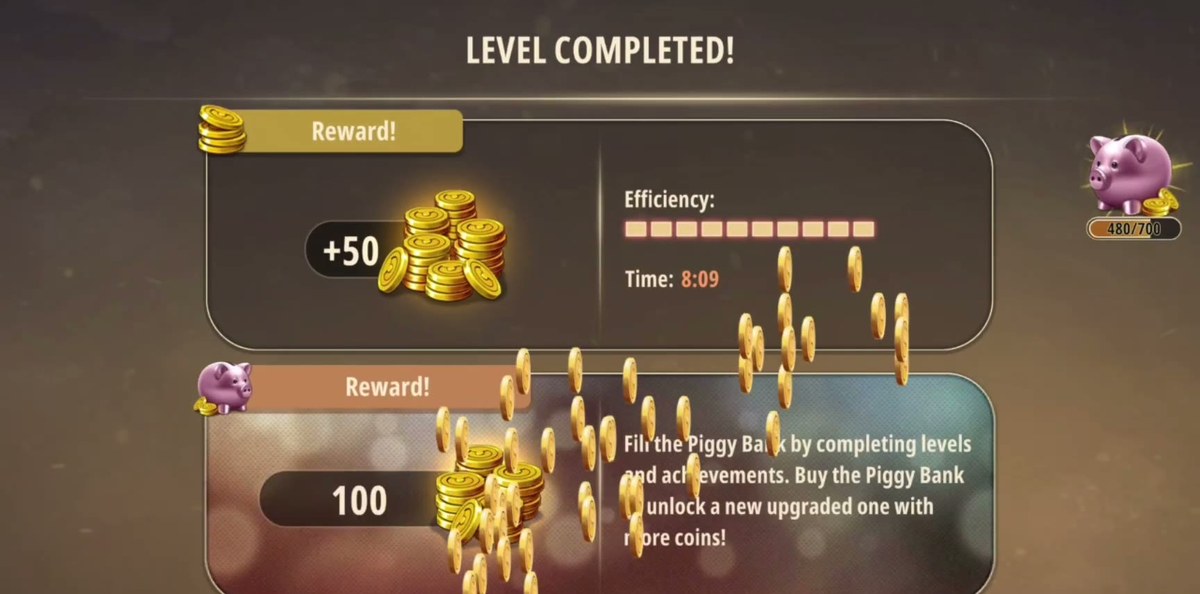
Our recording finishes it in 8 minutes 9 seconds of in-game time — the figure the game itself prints on the completion screen — and the footage is 5:51, because the recorder cut the dead time. Every timestamp on this page is a timestamp in that video, not in the game clock.
Step by step.
The steps below are in the order you meet them walking the building: lobby, hallway, screen 1, then the exit door. The timestamps point at the moment each action appears in the recording; our recorder doubles back constantly, so the minute marks are not in ascending order.
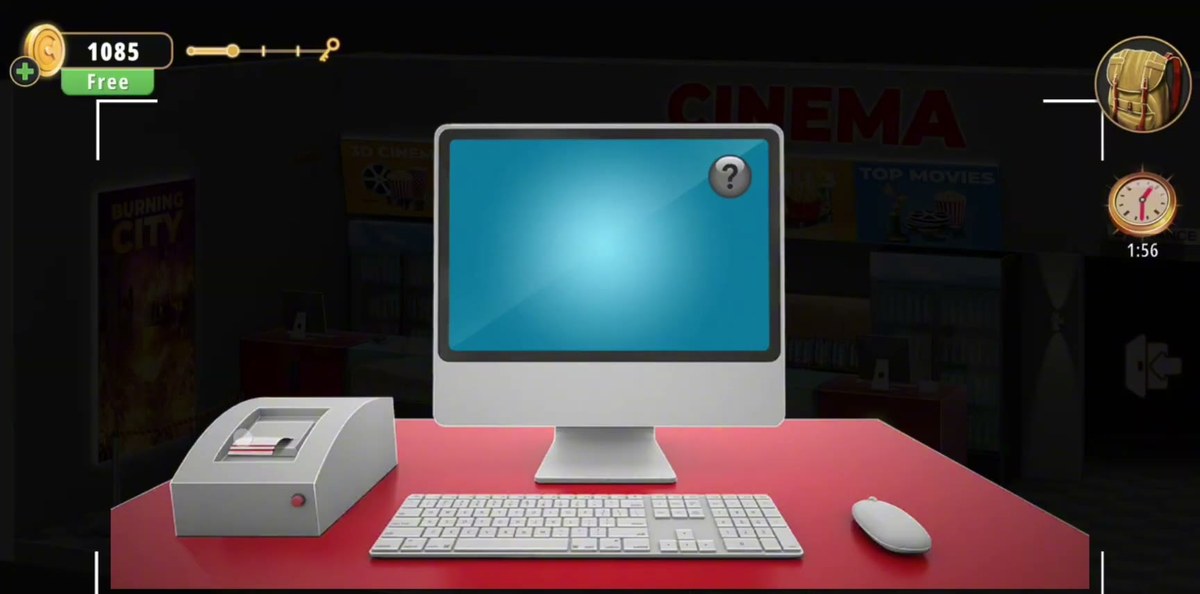
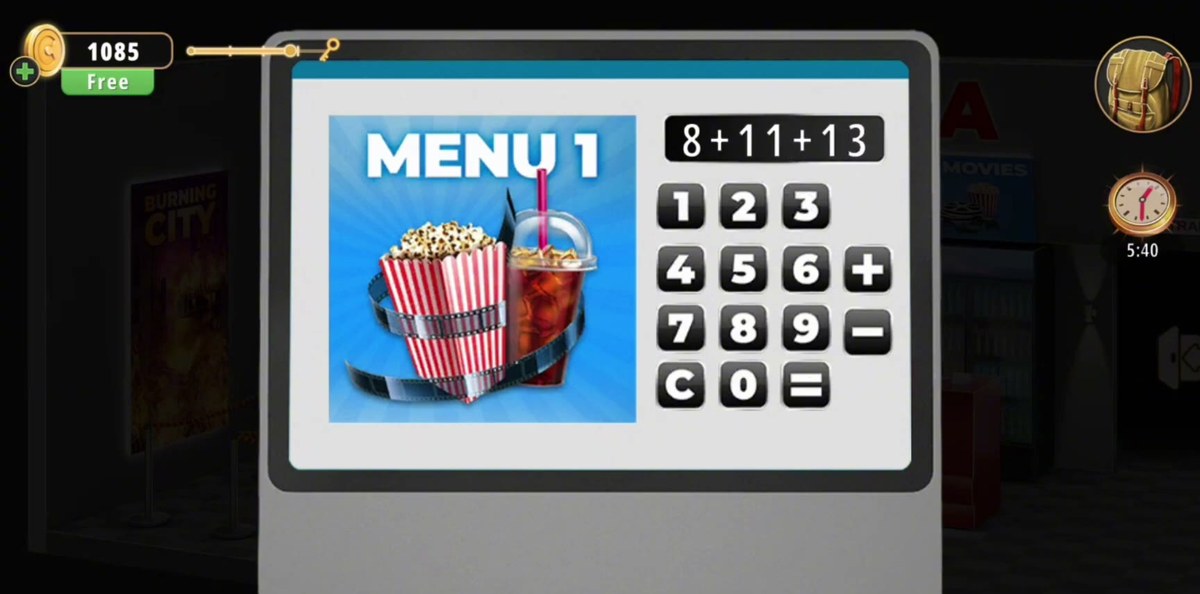
Where the numbers come from is the part nobody spots: they are the price tags on the three boards above the counters, printed in red and blue circles with two small zeros in superscript. MENU 1 = 8.00, MENU 2 = 11.00, MENU 3 = 13.00 — so 8, 11 and 13. One board on its own tells you nothing; the sum of all three is what the terminal is asking for. Add them yourself and you get 32, and the keypad in our recording takes the plain integers with no decimal point.
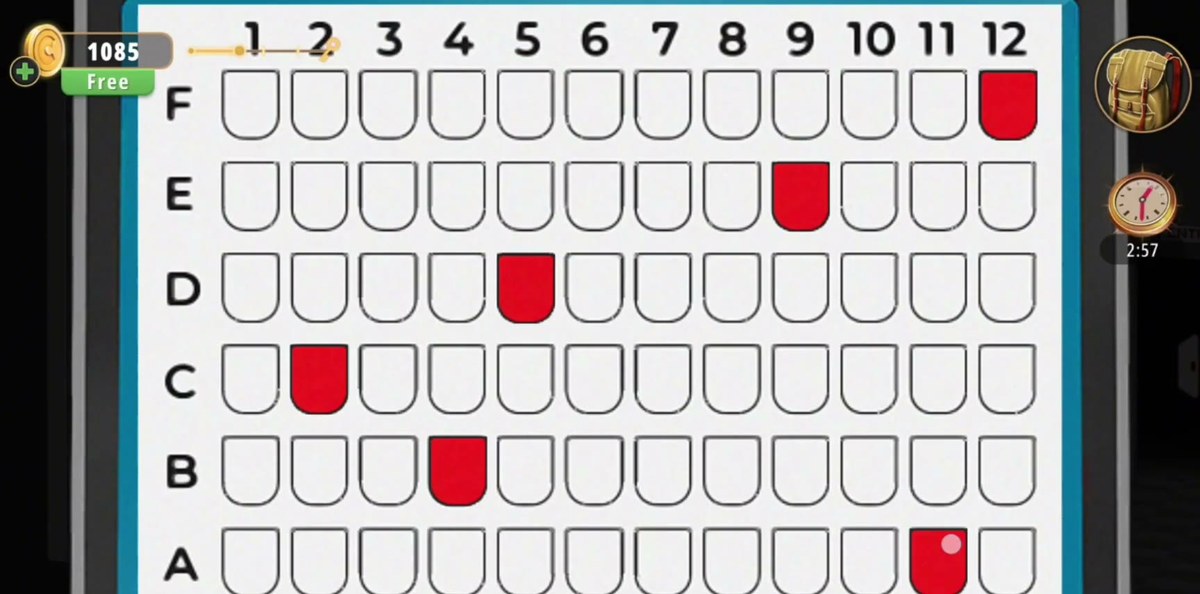
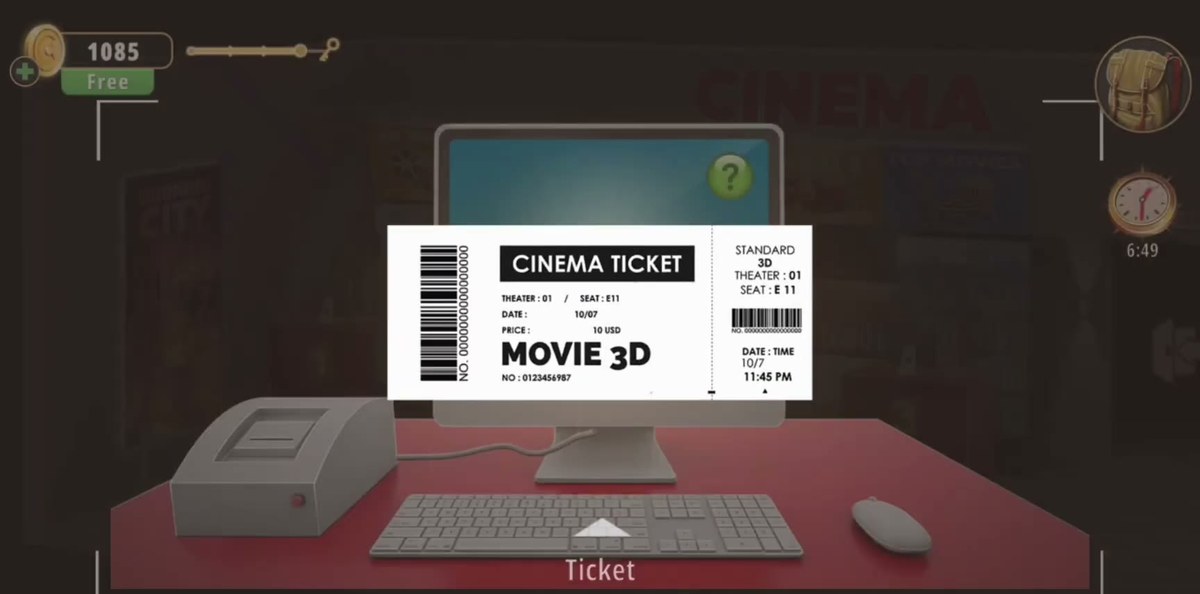
The seat to use is on the ticket the printer at the desk produces at 4:32: THEATER : 01 / SEAT : E11, with DATE 10/07, PRICE 10 USD and the title line reading MOVIE 3D. So the chart is row E, seat 11 — the fifth row up from the bottom and the eleventh seat across. That number is legible at full resolution and we have read it from three separate frames, which is more than can be said for the chart itself: the marked cells on our copy are too small to enumerate reliably, and the recording marks more than one seat, so we cannot tell you whether the chart checks only E11 or the whole pattern of red cells.
The three numbers, and where each one lives.
Cinemas contains exactly three numbers that matter, and they lead one into the next: the price boards feed the terminal, the cabinet in the hallway hands you the extinguisher, the extinguisher creates the code, and the code opens the door.
- 8, 11, 13 — the price tags on MENU 1, MENU 2 and MENU 3, on the lit boards above the lobby counters. They are small, but they are not hidden: they are the only prices in the room.
- 32 — what 8 + 11 + 13 comes to. The terminal under MENU 1 has a calculator keypad with a plus and an equals, so type the sum in the form the footage shows, 8+11+13, and press =.
- 3581 — burned into the BURNING CITY poster after you extinguish it, read left to right, typed into the EXIT door keypad.
Everything else that looks like a code is not one. The three counters are numbered 1, 2 and 3 and that is just labelling. The glowing numbers over the screen doors are screen numbers. The arrows on the cinema screen are a pattern to copy, not digits. If you find yourself trying to read a number off a popcorn case, you have already solved the level twice over.
Where people get stuck.
- The poster is on fire when you arrive. Most players see "BURNING CITY" and read it as artwork. It is a real fire, it is in the way of the code, and the thing that puts it out is in another room. Until you have dealt with it, the level has no code at all.
- The cable. It is white on a white-ish crisp bag and it is behind the counter, not in the open. It is also the only item in the level whose use our footage never shows, so if you are stuck, check the inventory for Cable before you go looking for another puzzle.
- The key and the selfie stick. The rack responds to the stick and to nothing else. Tapping the key directly does nothing, which reads as "not interactive" rather than "out of reach".
- The price boards. Three separate boards, three separate prices, one terminal. Players tend to type the price of the board that is on the screen (8) and stop. The terminal wants all three.
- The seat chart. It looks like the most solvable puzzle in the level and it is the least documented. It is a marking screen, not a code: the row and seat you need are printed on the ticket from the desk, not on the chart.
- The extinguisher cabinet. In the hallway, on the wall among the red doors and posters, with a glass door that has to be opened first. It is easy to walk past because the hallway's real draw is the two numbered screen doors.
Where this sits in Chapter 2.
Cinemas is level 2 of the 26 in Chapter 2, "No Honor Among Thieves" — the chapter that swaps the single-room format of Chapter 1 for whole buildings. Level 1 is the Cell Phone Store; after Cinemas the chapter moves on to the Pharmacy, the Optical Store and the Gym. If you came here from a search and want the rest of the chapter in one place, the Rooms & Exits hub lists every level with its status and its walkthrough.
FAQ.
What is the exit door code in Rooms & Exits Chapter 2 Level 2 (Cinemas)?
3581. The four digits appear on the BURNING CITY poster in the lobby, but only after you have put the fire on the poster out with the fire extinguisher from the red wall cabinet in the hallway. They are printed in a horizontal row on the charred poster. Type 3581 into the keypad on the red exit door and press the tick.
What do the three menu boards in the cinema lobby mean?
They are the numbers for the terminal puzzle. The boards above the counters read MENU 1 with a price of 8, MENU 2 with 11 and MENU 3 with 13. Our recording opens the terminal under the MENU 1 board, types 8+11+13 on the calculator keypad and presses the equals key, and the screen clears back to its blue idle state.
Where is the fire extinguisher in Cinemas?
In the hallway, in a red wall cabinet with a glass front. The cabinet door swings open to the left. Take the extinguisher from the cabinet, go back to the BURNING CITY poster in the lobby, select the extinguisher and use it on the poster. The flames go out and the code 3581 is left on the burnt poster.
How do you get the key off the wooden rack?
With the selfie stick. The rack is a wooden bar with three pegs mounted high on the lobby wall and the key hangs on the middle peg, out of reach. Select the selfie stick from the inventory, extend it at the rack, and the key comes off into your inventory.
Where is the cable in Chapter 2 Level 2?
In the crisp bags on the snack shelf behind counter 1, next to the EXPRESS CAFE sign. Zoom in on the bags, tap the white coiled cable lying across them, and the pickup screen labels it Cable.
Does the seat map need a specific set of seats?
The ticket the printer produces names THEATER 01 / SEAT E11, so mark row E, seat 11. The chart is six rows, A to F from the bottom up, with seats 1 to 12 across, and tapping a seat fills it red. We do not publish the full set of marked seats because the red cells are only a few pixels wide at playback resolution and our reads of the completed chart disagreed — but E11 is unambiguous on the ticket and was read from three separate frames.
What is the reward for finishing Cinemas?
50 coins. The level closes on the LEVEL COMPLETED screen with +50 in the top reward panel and a level time of 8:09, plus the piggy bank panel underneath.
Previous room: ← Level 1. Cell Phone Store