 GridPaw
How to Play Shikaku
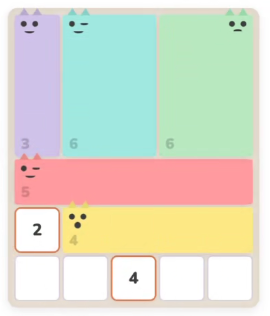
Shikaku is a rectangle-partition logic puzzle from Nikoli. Every puzzle gives you a grid with numbers on it. Each number tells you the area of a rectangle you must draw. The puzzle is solved when the whole grid is covered by rectangles, none overlapping, and every rectangle contains exactly one number matching its area. GridPaw is Shikaku with cat visuals: unlimited procedurally generated puzzles, free, no sign-up required to play.
Your First Puzzle
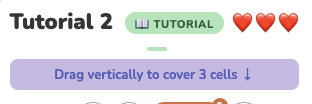
- Open the game. Go to gridpaw.com. Level 1 is a guided Tutorial on a 3×3 grid that walks you through the rules step by step — you can't fail it.
- Draw a rectangle. Click (or tap) on a cell and drag to another cell to cover a rectangle. The number inside must equal the rectangle's area. For example, a
6can be covered by a 2×3 or 3×2 rectangle. - Cover the whole grid. Repeat until every cell is part of exactly one rectangle and every number is inside its own matching rectangle. The puzzle auto-solves the moment the last rectangle is correct.
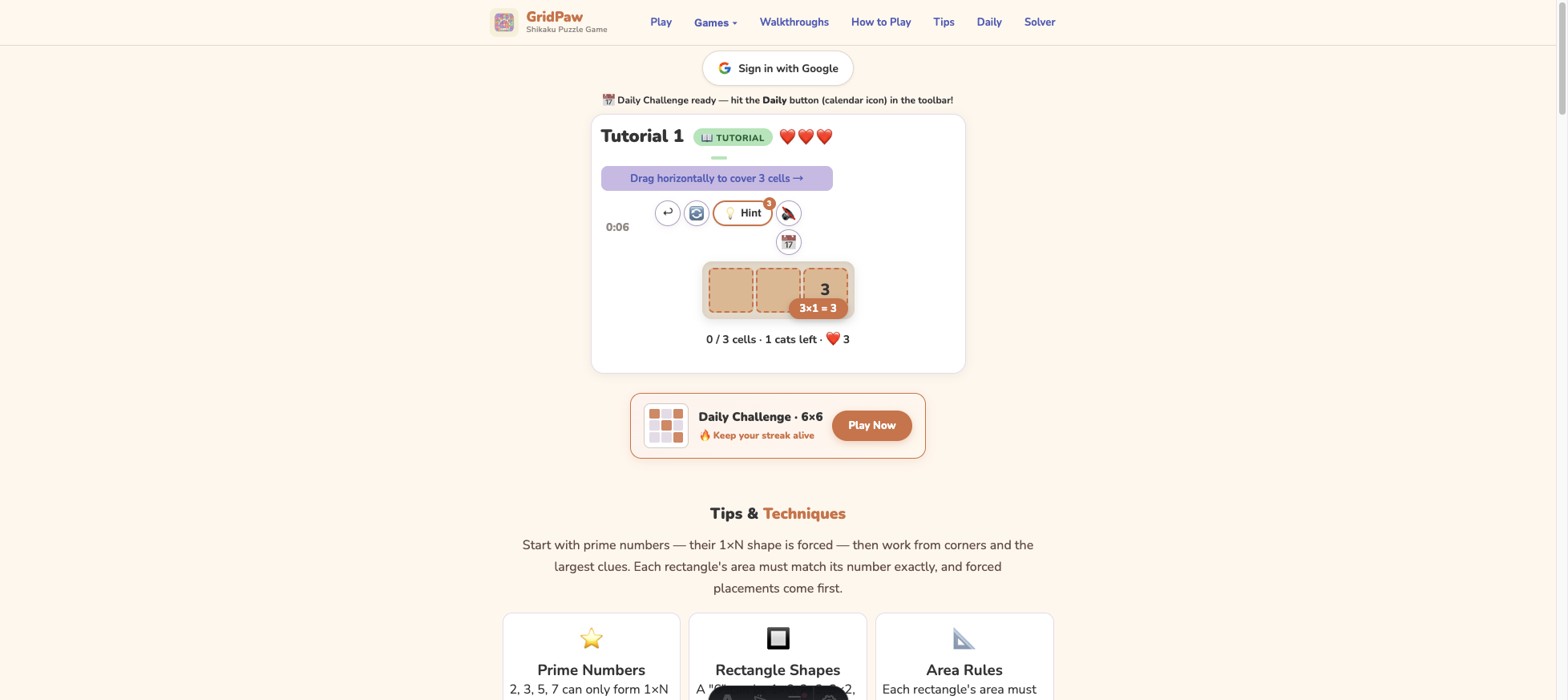
Every Button on the Screen
| Button | What it does |
|---|---|
💡 Hint (badge shows 3) | Highlights one not-yet-placed correct rectangle for 3 seconds. 3 hints per level, refills to 3 when you move to the next level. |
| ↩️ Undo | Removes the last rectangle you placed. |
| 🔄 New puzzle | Discards the current puzzle and generates a fresh one at the same level. |
| 🔊 Sound | Toggles game sounds on/off. |
| 📅 Daily Challenge | A special puzzle of the day, same for everyone. Weekends run a larger "Weekend Super" board. |
| 👥 Share (after winning) | Opens the victory popup with Copy / 𝕏 / Reddit / Save options. |

Difficulty Levels
There are 7 tiers. Grid size (and the size of the numbers) grows with difficulty:
| Tier | Grid | Notes |
|---|---|---|
| Tutorial | 3×3 | Guided, step-by-step |
| Easy | 5×5 | |
| Medium | 5×6 | |
| Medium-Hard | 6×6 | |
| Hard | 7×8 | 🔥 badge shown |
| Expert | — | |
| Legend | 8×8 | Largest boards |
Levels are sequential: finishing a level (Next →) automatically moves you to the next one with a fresh puzzle.
Winning & Sharing
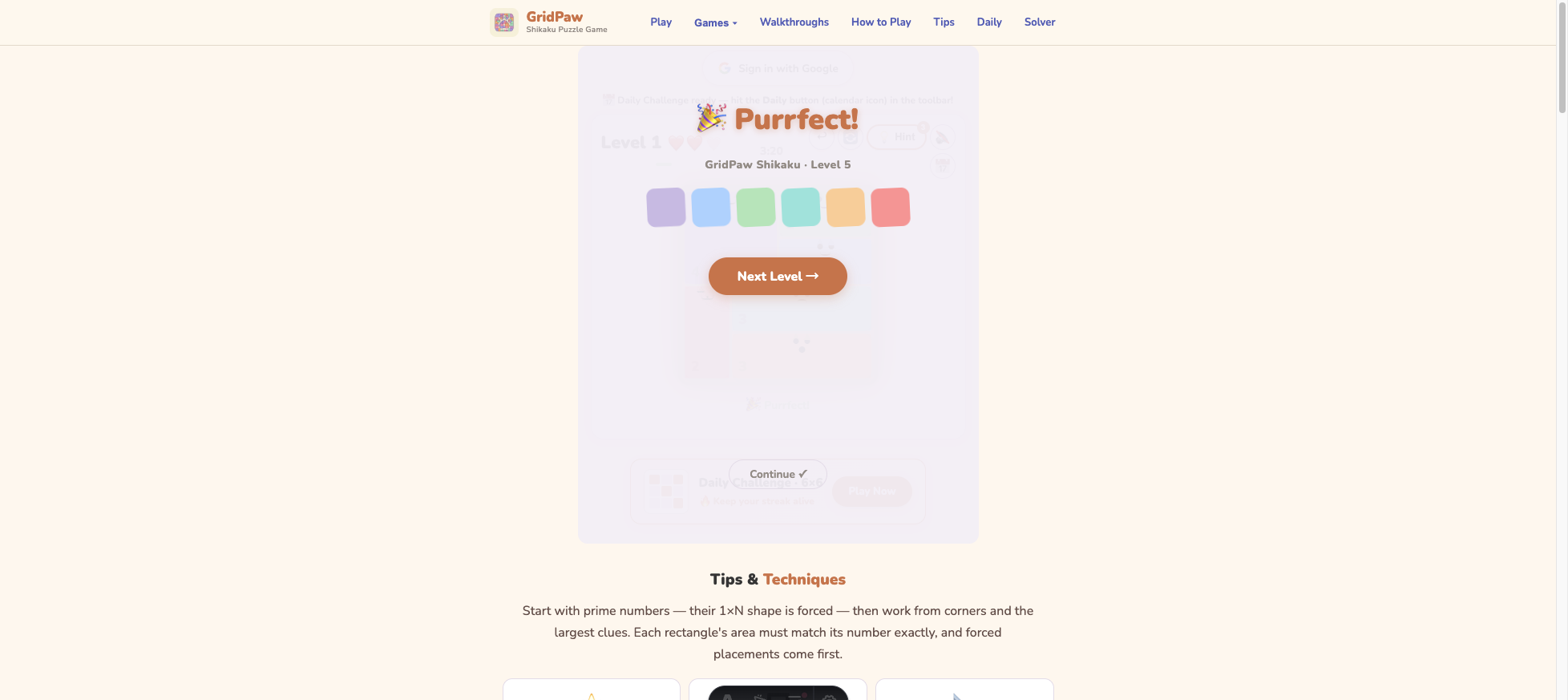
When the grid is fully covered correctly, the victory popup appears with:
- Next — jump to the next level (also resets your hints to 3)
- Retry — replay the same level with a new layout
- Close — stay on the finished board; you can still use the share popup to Copy your result, post to 𝕏, or post to Reddit
- At level 5, logged-out players see a one-time optional sign-up prompt (dismissible with "Maybe later"; playing without an account always works)
Frequently Asked Questions
Do I need an account to play Shikaku?
No. Everything is playable without signing in.
My rectangle won't place. Why?
The rectangle is invalid: it either doesn't match the number's area, overlaps a placed rectangle, or contains more than one number. Adjust the drag.
I'm stuck. What do I do?
Use Hint — it lights up one rectangle that is definitely correct. You get 3 per level, so save them for the endgame.
Is this the same as the classic Shikaku?
Yes — identical rules to the classic Nikoli puzzle. GridPaw just generates unlimited free puzzles with cat art.
Can I play on my phone?
Yes. Tap the first cell, then tap the opposite corner cell instead of dragging.